I wish I could see my AE comp as the background in C4D
Send AE out over NDI and it shows up behind your scene in the C4D viewport. Set up your camera and layout against the real comp.
A plugin for Cinema 4D 2026 (Windows / Mac)
Show After Effects or a camera feed live in the C4D viewport.
Send the C4D viewport out to OBS and more, live! Keep the AE and C4D timelines in sync.
And OSC control opens up a lot more.
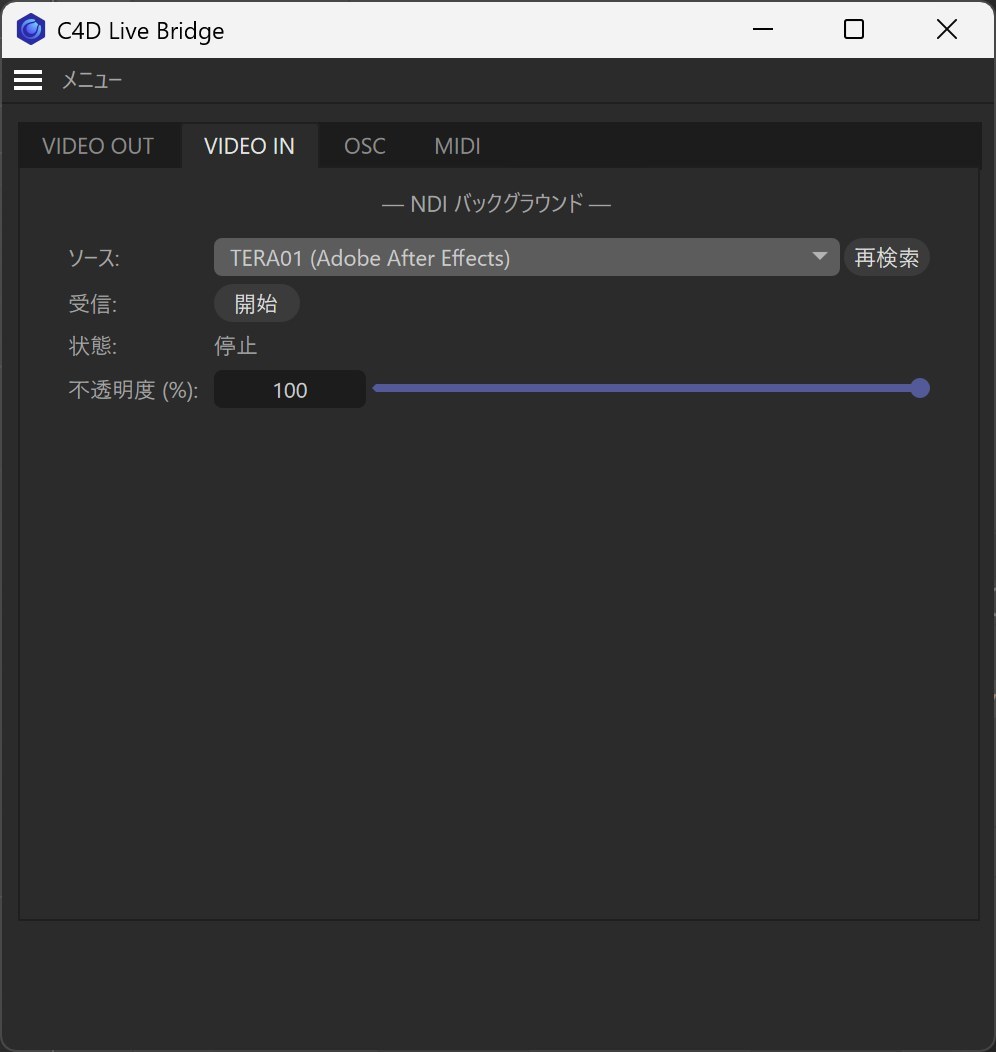
I wish I could see my AE comp as the background in C4D
Send AE out over NDI and it shows up behind your scene in the C4D viewport. Set up your camera and layout against the real comp.
I want to check the camera input in C4D, live
Show an NDI camera, or a camera you send out of vMix or OBS over NDI, behind your scene. Match framing between the plate and your CG while you shoot.
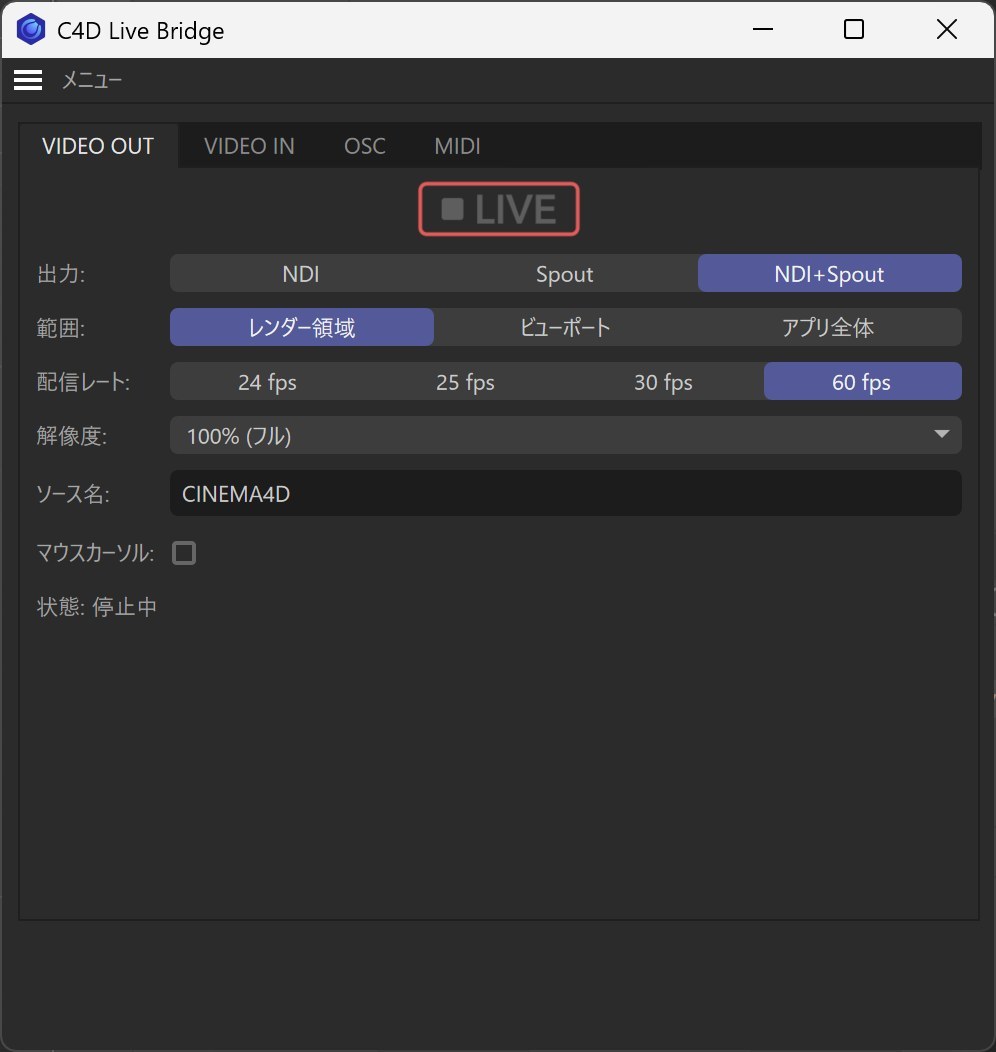
VIDEO INI want to send C4D out as live video
The viewport goes out as a live video feed. Stream it with OBS, switch it in vMix, or use it in Resolume or TouchDesigner. Up to 60 fps.
NDI to reach other computers; inside the same computer, Spout (Windows) or Syphon (Mac) too.
VIDEO OUTI want C4D and AE to work together even better
The included AE extension, C4D Time Sync, keeps both timelines on the same frame. Play or move the time in either one and the other follows.
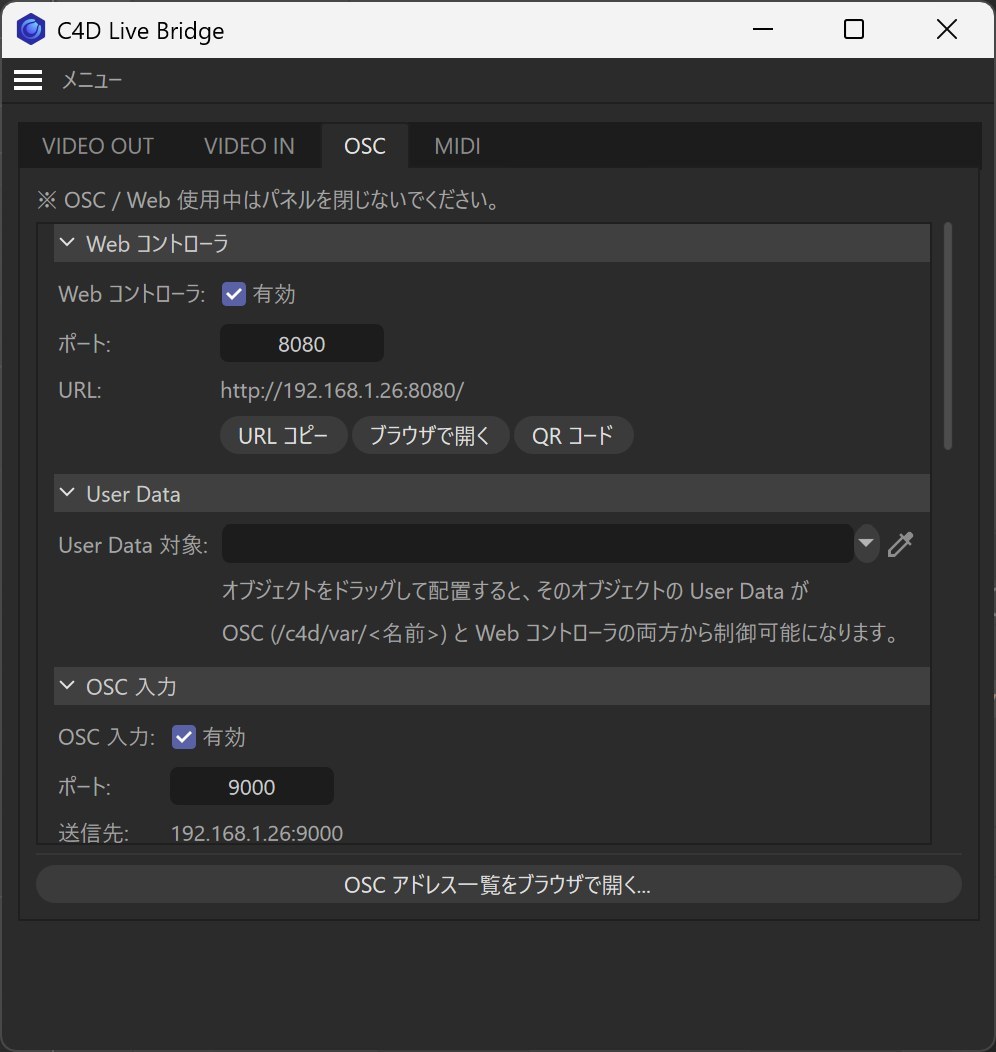
AE Time SyncI want to drive C4D from my phone
Scan the QR code in the panel. Play and stop, step frames, switch cameras and takes, and move your User Data sliders from the browser.
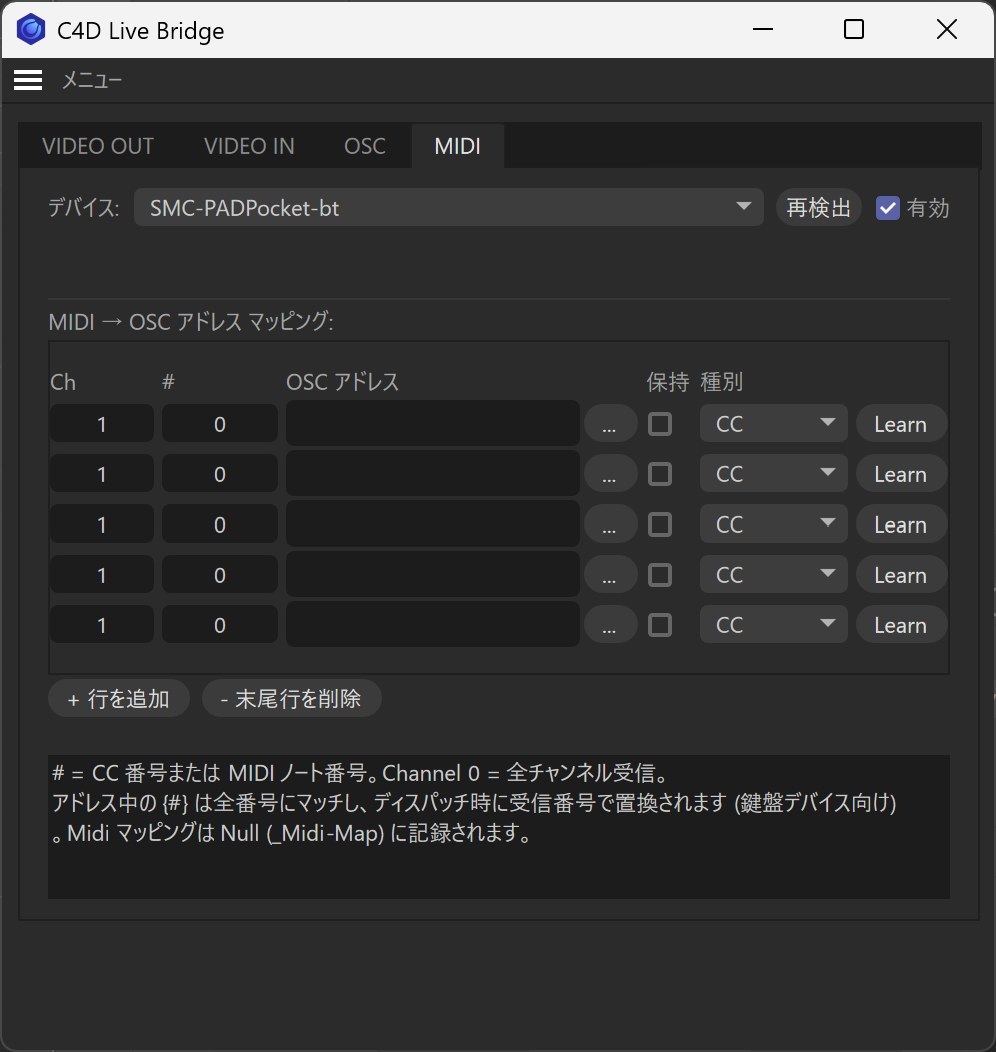
Web ControllerI want to drive C4D with a MIDI controller
Assign knobs and pads with Learn. OSC apps like TouchOSC work too, and the values you move can be recorded as keyframes.
MIDI / OSCImages are illustrations.


After Effects comp as the live C4D background (VIDEO IN) Watch on YouTube ↗
Driving C4D from a phone browser (Web Controller) Watch on YouTube ↗
Playing particles from a MIDI pad Watch on YouTube ↗
Installing is just copying a folder.
Put the C4D_Live_Bridge folder from the zip into your Cinema 4D plugins folder.
Start Cinema 4D and choose Extensions → C4D Live Bridge...
To send, press LIVE in VIDEO OUT. To receive, pick a source in VIDEO IN and start.
.zxp from the AfterEffects_Sync folder with the free ZXPInstallerPerformance may vary with your network, GPU and security settings. Before purchasing, please confirm with the demo that it works in your environment.
Windows / Mac · about 5 MB · $0 on Gumroad
Shown in your local currency at checkout; local taxes may apply. It's a digital product, so there are no refunds after purchase.
| Cinema 4D | 2026 (2026.2 or later). It won't load in 2026.0 / 2026.1, 2025 or earlier, or 2027. |
|---|---|
| Windows | Windows 10 / 11 (64-bit) |
| Mac | macOS 15.5 (Sequoia) or later, Apple Silicon (Intel Macs haven't been tested) |
| NDI | The NDI runtime comes with C4D Live Bridge, so there's nothing extra to install on the C4D side. Only to send video from After Effects do you need the free NDI Tools on the AE computer. |
| After Effects sync | After Effects 2024 / 2025 / 2026 |
| Receiving apps | Anything that takes NDI / Spout / Syphon: OBS, vMix, Resolume, TouchDesigner, NDI Studio Monitor and so on |
Install the free NDI Tools on the computer running AE. In AE's Preferences → Video Preview, turn on Mercury Transmit and pick NDI as the output. Then choose "COMPUTER-NAME (Adobe After Effects)" in C4D Live Bridge's VIDEO IN. It works on one computer or across two.
No, it only shows in the viewport. To send out what you've composited, send the viewport with VIDEO OUT.
NDI to reach other computers or gear. Inside the same computer, Spout (Windows) or Syphon (Mac) works too. If in doubt, NDI.
No. Use only the parts you need. VIDEO OUT on its own, or VIDEO IN on its own, is already handy.